← Back to TalosOps
Services
Templates & documents
Write the reply once for every situation that keeps coming up. The agent uses it as written, with your escalation and confirmation rules attached to it.
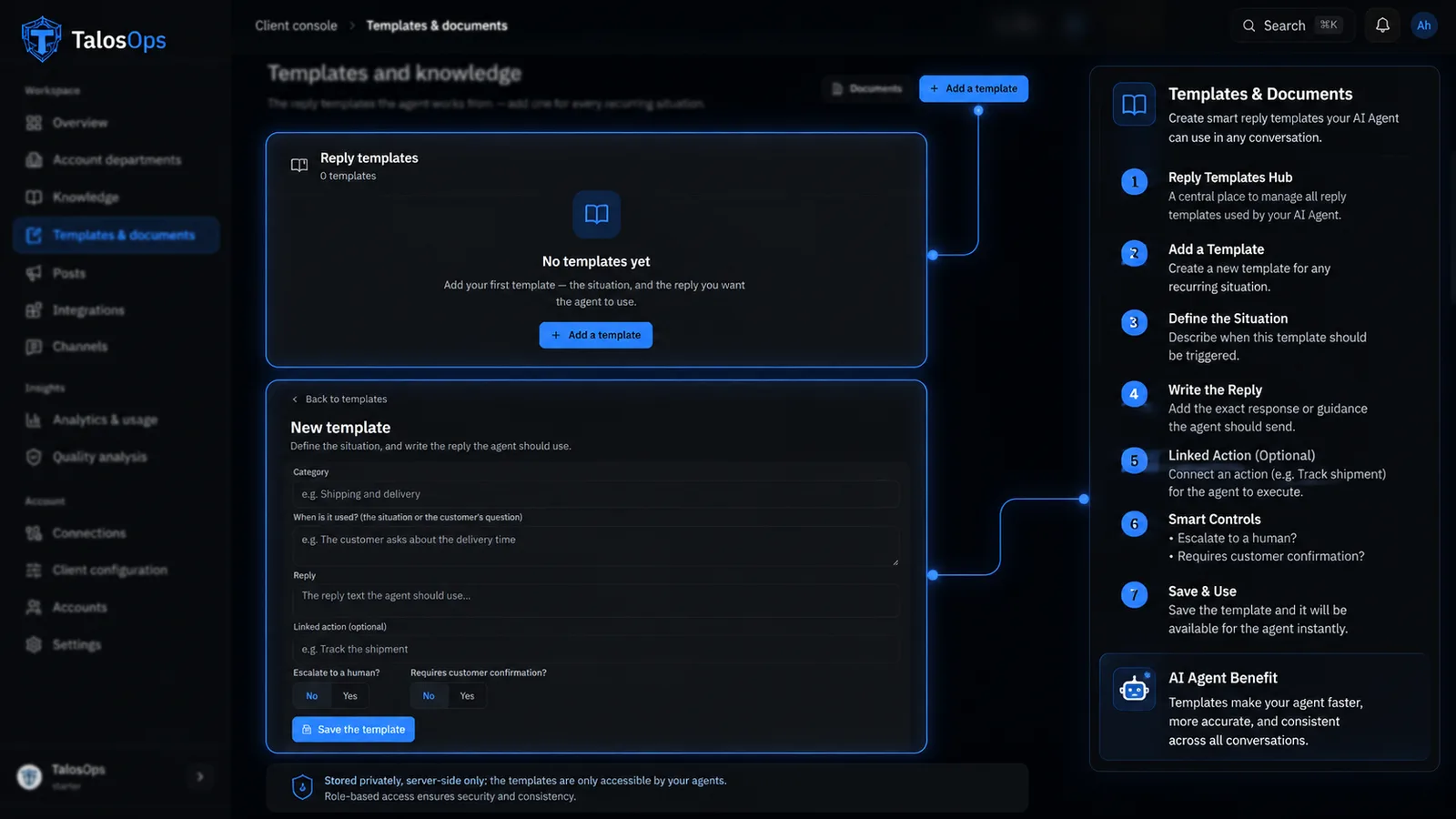
Write the reply once; the agent uses it as written, rules attached.
How it works
Inside Templates & documents
What actually happens, step by step. The line fills as you read.
01
Write it once
Turn the replies you keep repeating into templates.
02
Used as written
The agent sends your wording — not a paraphrase of it.
03
Rules attached
Escalation and confirmation rules travel with the template.
04
Documents included
Attach the files an answer needs and they are sent with it.
05
Always current
Change the template once and every reply after that follows.